From your kitchen to their next order. Illustrative product previews with example data.
A simpler way to sell what you make.
01
Create your drop
Your menu, quantities and collection times.
02
Share your link
One place for customers to browse and order.
03
Make it. Hand it over.
Know what’s ordered and who’s collecting.
Everything your next drop needs.
A little less admin. A lot more time for the food.
Inbox
All accounts
Needs a reply 2Filtered noise 12
JT
Jamie T.
Can I collect two loaves on Saturday?
Instagram · Comment
MR
Morgan R.
Do you have a dairy-free option this week?
Facebook · Direct message
Reply to Jamie’s commentPublic reply
Of course! Order through our storefront and choose Saturday collection. See you then.
Storefront linkSend reply
Sorted for you. Ready for your reply.
Less noise. Better conversations.
Your social comments and messages, brought together and organised. DropKitchen filters out the noise so you can focus on the conversations that need you.
Find the messages that matter
Spot customer questions and buying interest without working through every reaction.
Keep conversations organised
See what needs a reply, with the social account and conversation type clearly shown.
Reply right where you are
Respond to comments and direct messages from one inbox, with the context beside you.
sk.
Made in small batches
Sunday Kitchen
A little something for your weekend.
This week’s dropAbout us
Saturday · 10am–1pm
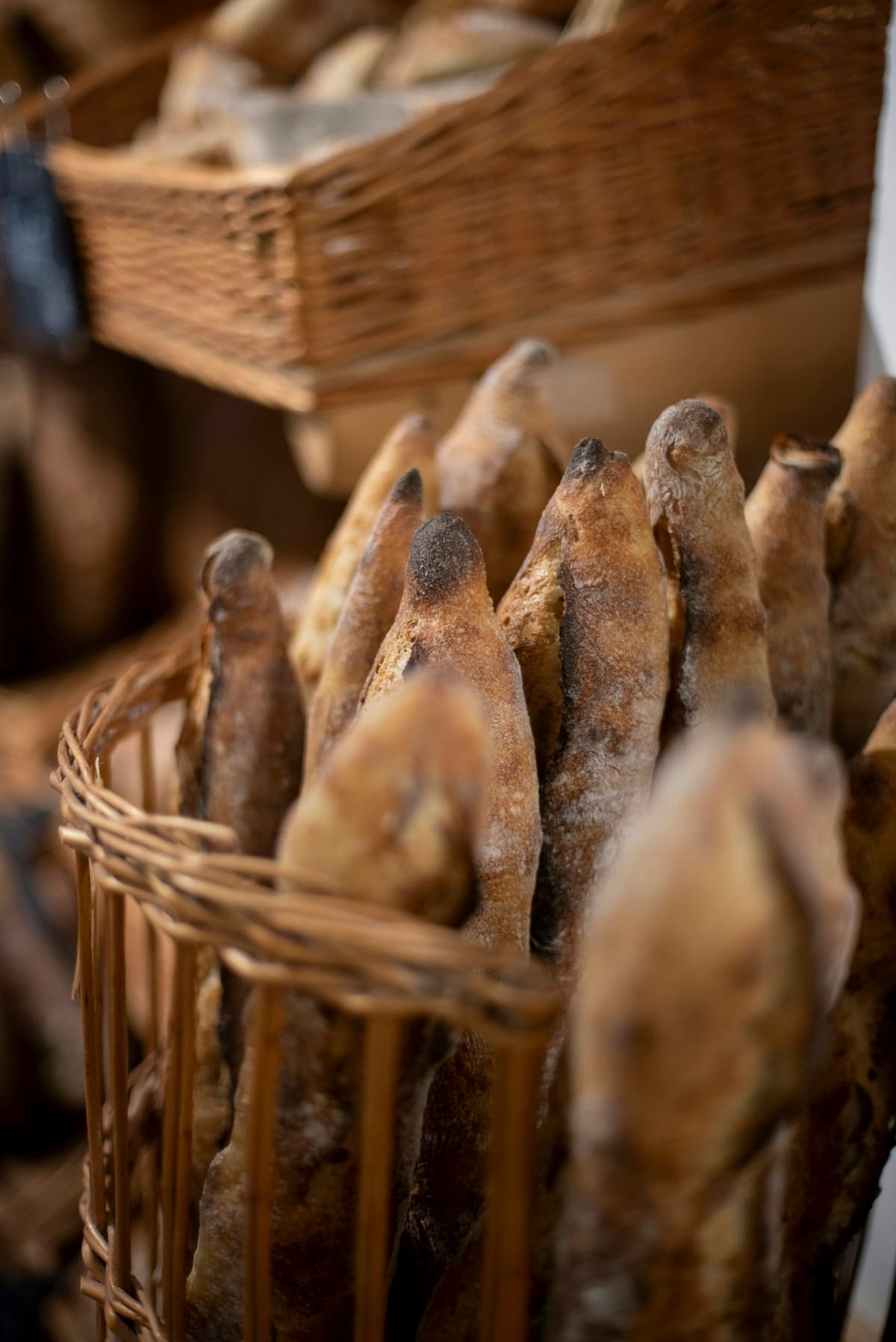
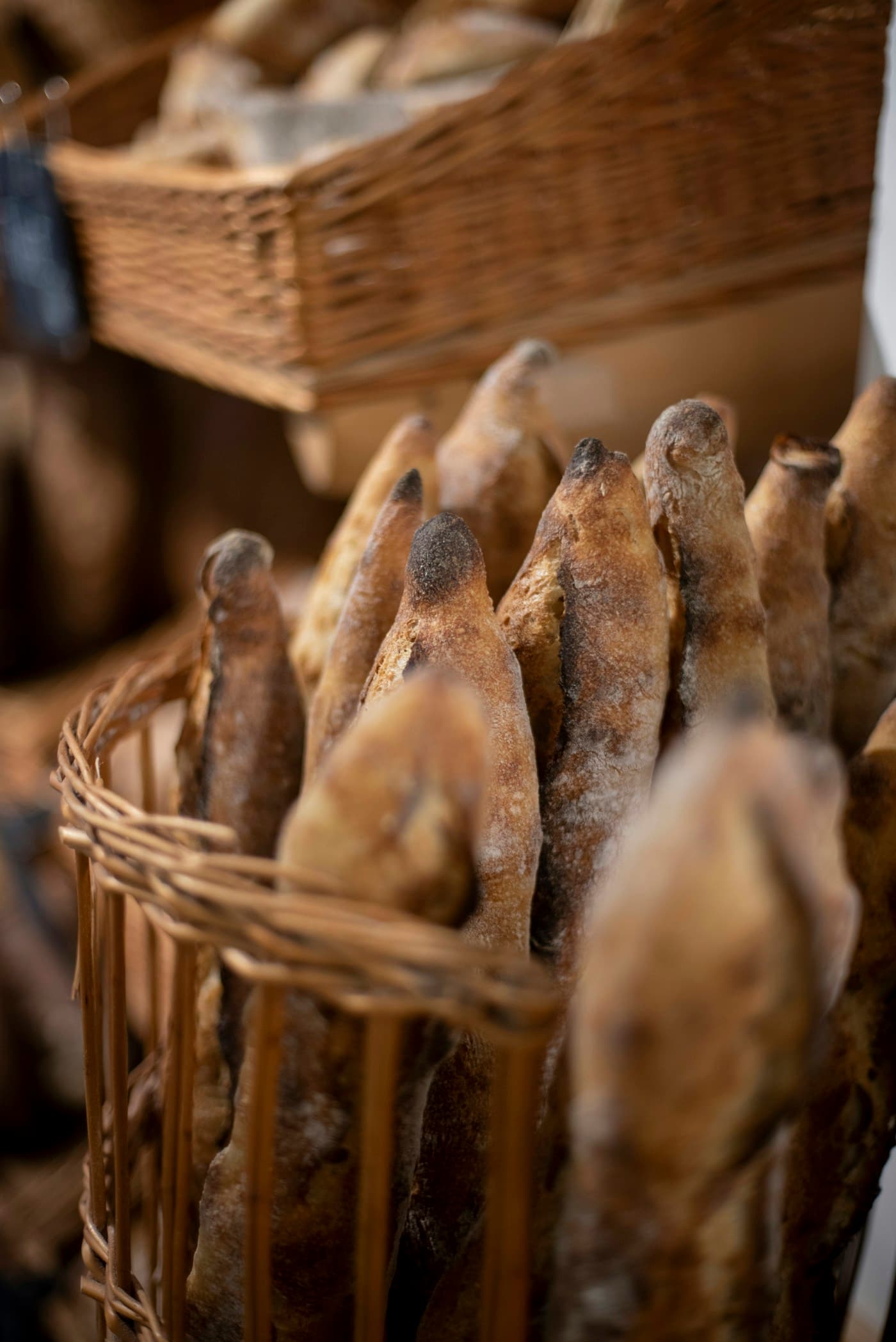
Country sourdoughSlow fermented, freshly baked£6.00
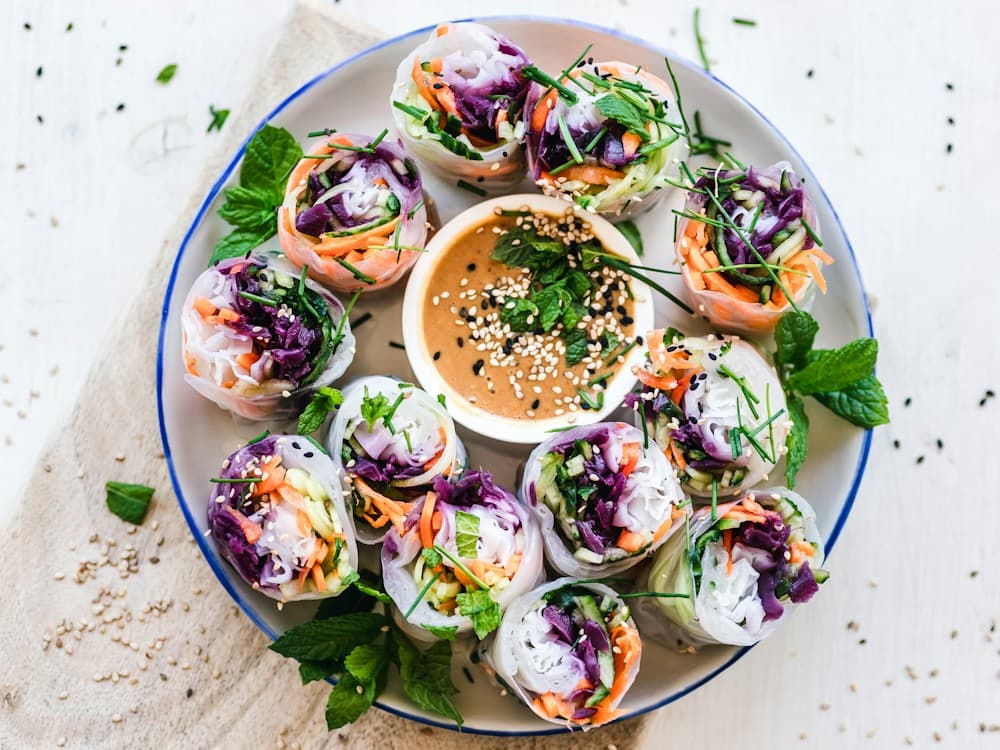
Seasonal lunch boxFresh, colourful, made for you£8.50
View your basket £12.00
Powered by DropKitchen
Your food. Your menu. One simple link.
Give customers a place to discover what you’re making and order from your next drop.
Make it yours
Bring your food to life with photos, descriptions and your own store branding.
Sell on your schedule
Set an ordering window, choose your menu and decide how much to make.
Share it anywhere
Put your storefront link in your social bio, group chat or next customer message.
Bring your customers. Grow from there.
Import your existing customer list and keep orders, conversations and preferences together as your business grows.
Sunday KitchenCustomer updates
Automatic
Drop now openThursday · 6pm
The weekend menu is here. You asked us to let you know—preorders are now open.
Order confirmedThursday · 6:12pm
Thanks, Jamie! Your order is confirmed. We’ll see you on Saturday, 10am–1pm.
Collection reminderSaturday · 9am
Your collection is today, 10am–1pm. Open your order for pickup details. See you soon!
The right update, without another task on your list.
Keep customers in the loop. Automatically.
From the next drop to collection day, send useful updates without writing every message yourself.
Let them know when orders open
Automatically notify customers who asked to hear when your drop opens.
Confirm orders and share updates
Keep customers informed with order confirmations and ready-to-collect messages.
Make pickup easier to remember
Send collection reminders so customers have the details when they need them.
Everything in one place
Ready for the weekend.
Order #DK1048 · Jamie T.
2 × Country sourdough£12.00
1 × Weekend special£6.00
Total£18.00
Saturday collection10am–1pm · Your pickup point
Payment receivedReady to collect
Less chasing. More making.
Keep the details together, from the first preorder to the last collection.
Know what to prepare
See the items and quantities in each order, all in one place.
Keep track of payments
Follow payment status alongside your orders.
Make collection clear
Set pickup times and give customers the details they need.
DropKitchen
Home
Drops
Orders
Inbox
Insights
sk.
Sunday KitchenSeller workspace
InsightsSunday Kitchen
A clearer view of your business
See what’s working.
This month
Total sales£486.00
Orders24
Items sold68
Sales over time This month
£500£250£0
1 Oct15 Oct31 Oct
Popular this monthView all
Menu itemSoldSales
Country sourdough32£192.00
Seasonal lunch box24£204.00
Weekend specials12£90.00
Find your next bestseller.
Get a useful view of your sales, so you can plan the next drop with confidence.
See how your drops perform
Review sales and orders without piecing together messages.
Understand what sells
See which menu items sell best.
Build on what works
Duplicate a previous drop and make room for something new.
Made for the way you make.
For the weekend bakers, the local kitchens and the next good food idea.
Bakers & small-batch makers
From a Saturday sourdough drop to a box of weekend treats.
Local kitchens & food businesses
Bring your next menu to the people who love what you cook.
A drop is a menu you sell for a set period, with quantities and collection details you choose. Customers order ahead, so you know what to prepare.
Who is DropKitchen for?+
DropKitchen is made for independent UK food sellers, including home bakers, small kitchens and makers selling limited menus to their local communities.
Do I need a website?+
No. Your DropKitchen storefront gives you an ordering link to share with customers through social media, messages or an existing website.
How do I get started?+
Request a demo and tell us what you make and how you sell. We’ll arrange a walkthrough of food drops, the social inbox, automated messages and collection, and talk through what your business needs to get set up.
How does the social inbox help me?+
DropKitchen brings comments and direct messages from your connected social accounts together, organises them and filters out noise. You can focus on customer questions and buying interest, then reply from the same inbox.
Which customer messages are automated?+
DropKitchen sends order confirmations, collection reminders and ready-to-collect updates. Customers who request a drop-opening alert are notified when ordering opens. These updates work alongside the social conversations you reply to yourself.
I’m a customer. How do I order?+
Open the storefront or drop link shared by your seller. It takes you straight to their menu, availability and collection details. You do not need a seller account.